How to drill into a report
Last updated: February 9, 2026
How to drill into your reports in Google Sheets:
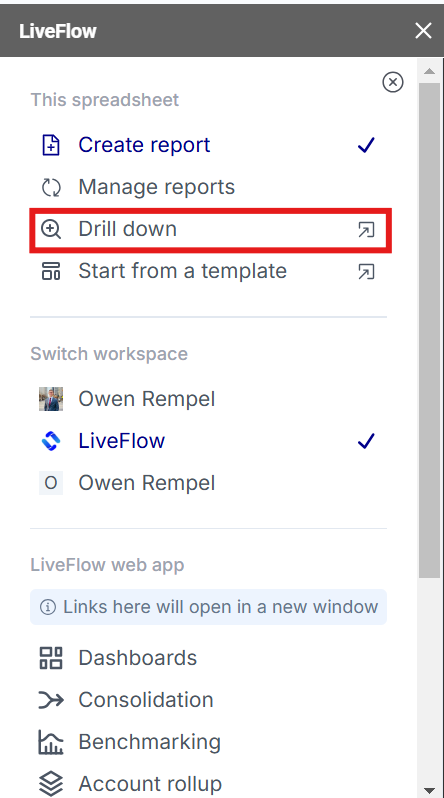
Open LiveFlow
Select either Create Report or Manage Report if you would like to enable for a report that has already been created
Ensure “Enable Drill Down” is selected
Create Report or Update Report
You can now see all the underlying transactions become blue
Open the Drill Down option from the side bar menu
Use the arrow keys to navigate your transactions and see the details in the LiveFlow box