How to connect multiple QuickBooks accounts on Excel
Last updated: February 9, 2026
How to connect multiple QuickBooks/Xero accounts to LiveFlow
1. Open LiveFlow
2. Go to the Create Report in the sidebar
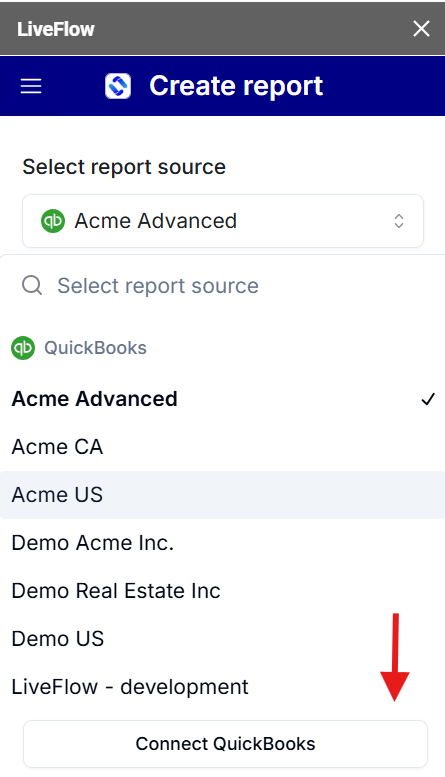
3. Click on the Select Report dropdown
3. Click Connect Quickbooks or Xero
4. Connect your QuickBooks/Xero account
5. Done!
Method 2 - How to connect multiple QuickBooks accounts to LiveFlow within Excel
1. Open LiveFlow
2. Go to the Create Report tab
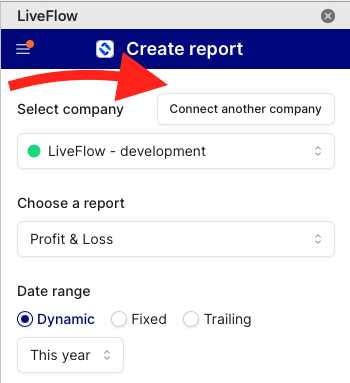
3. Click Connect Another Company
4. Sign into Quickbooks account
5. Connect your QuickBooks account
6. Done!