How to disconnect a company in Excel
Last updated: February 9, 2026
Here are the steps to disconnect a company from LiveFlow
Open your LiveFlow Web App at app.liveflow.io
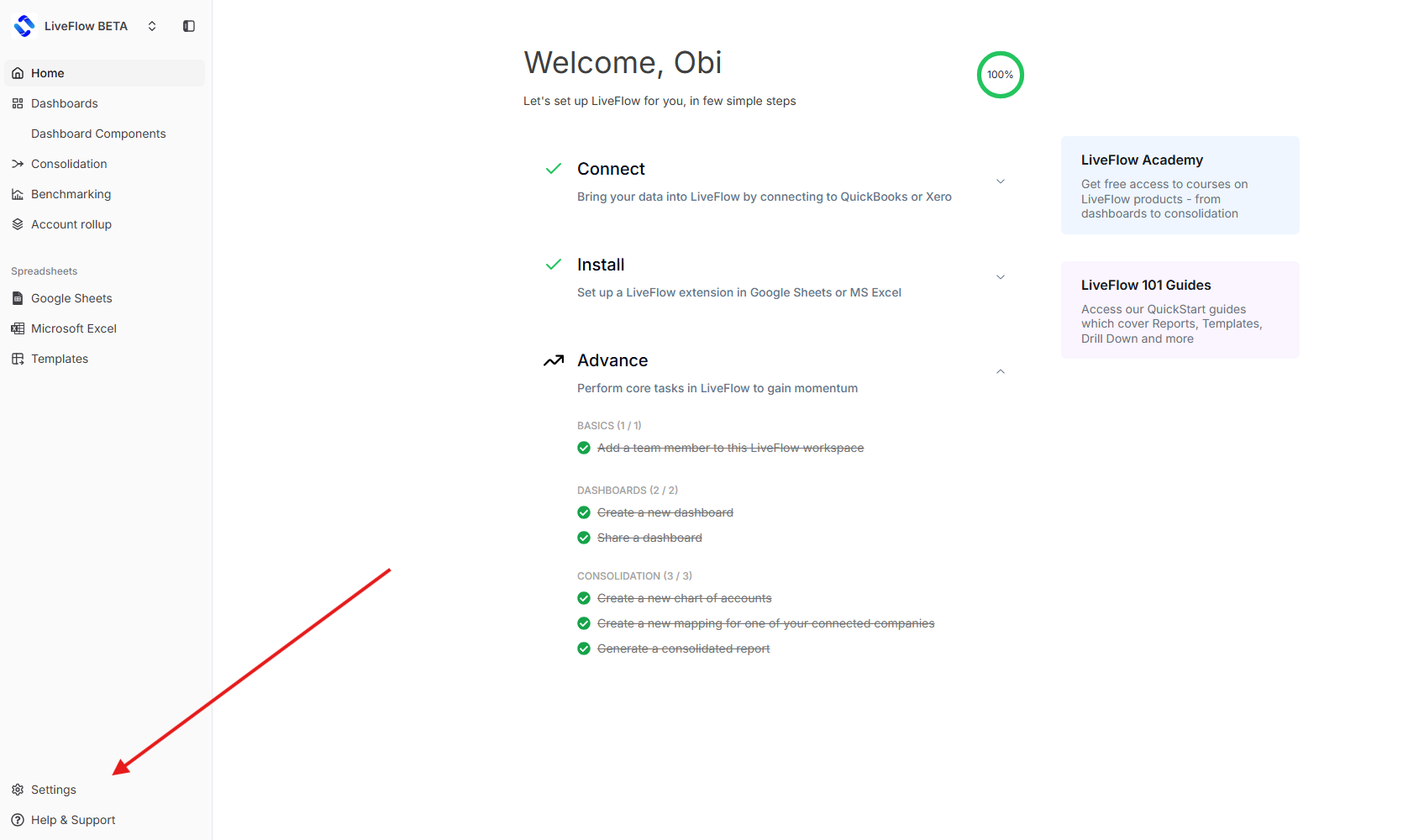
Click on your ‘Settings’ icon
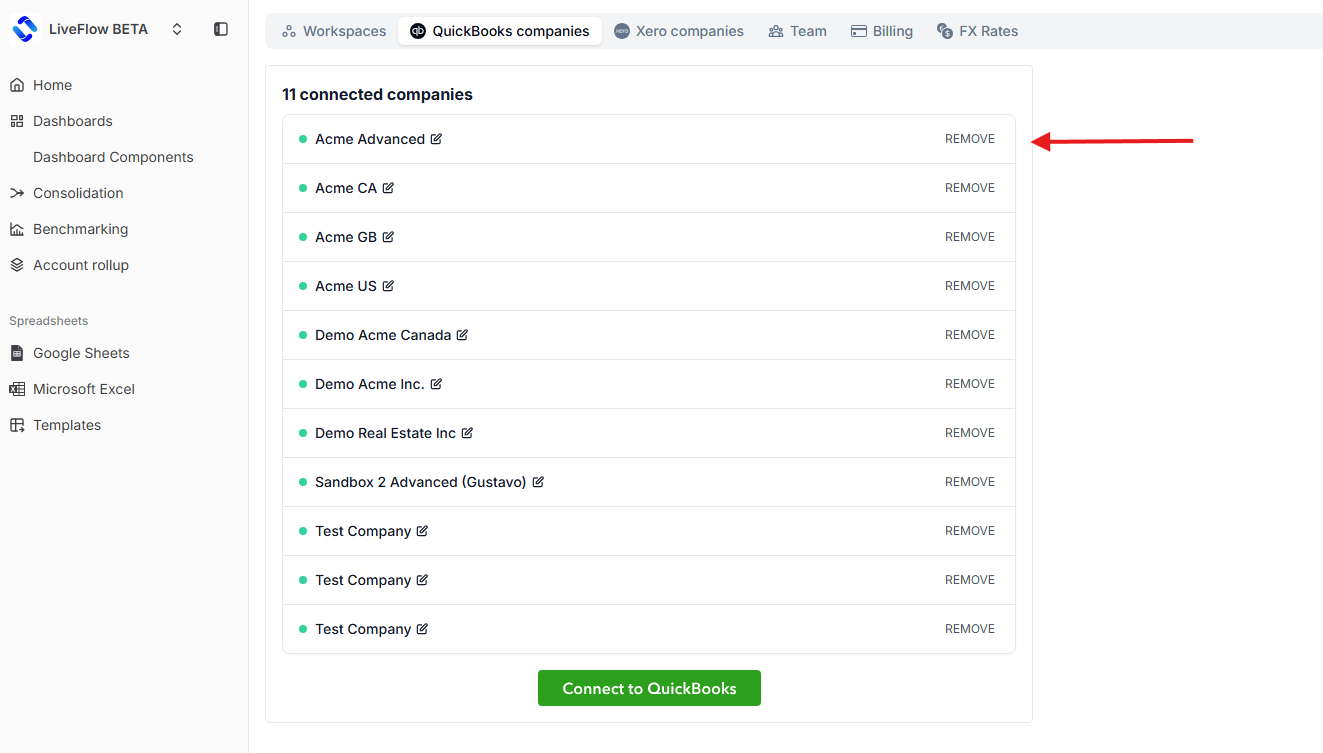
Select a company and click remove
Last updated: February 9, 2026
Here are the steps to disconnect a company from LiveFlow
Open your LiveFlow Web App at app.liveflow.io
Click on your ‘Settings’ icon
Select a company and click remove