What’s the best way to update your reports for the next year?
Last updated: March 16, 2026
By default, many LiveFlow reports use dynamic date ranges (for example, “This Year”). As the calendar moves into 2026, these dynamic date ranges will automatically roll forward, resulting in your reports reflecting 2026 data.
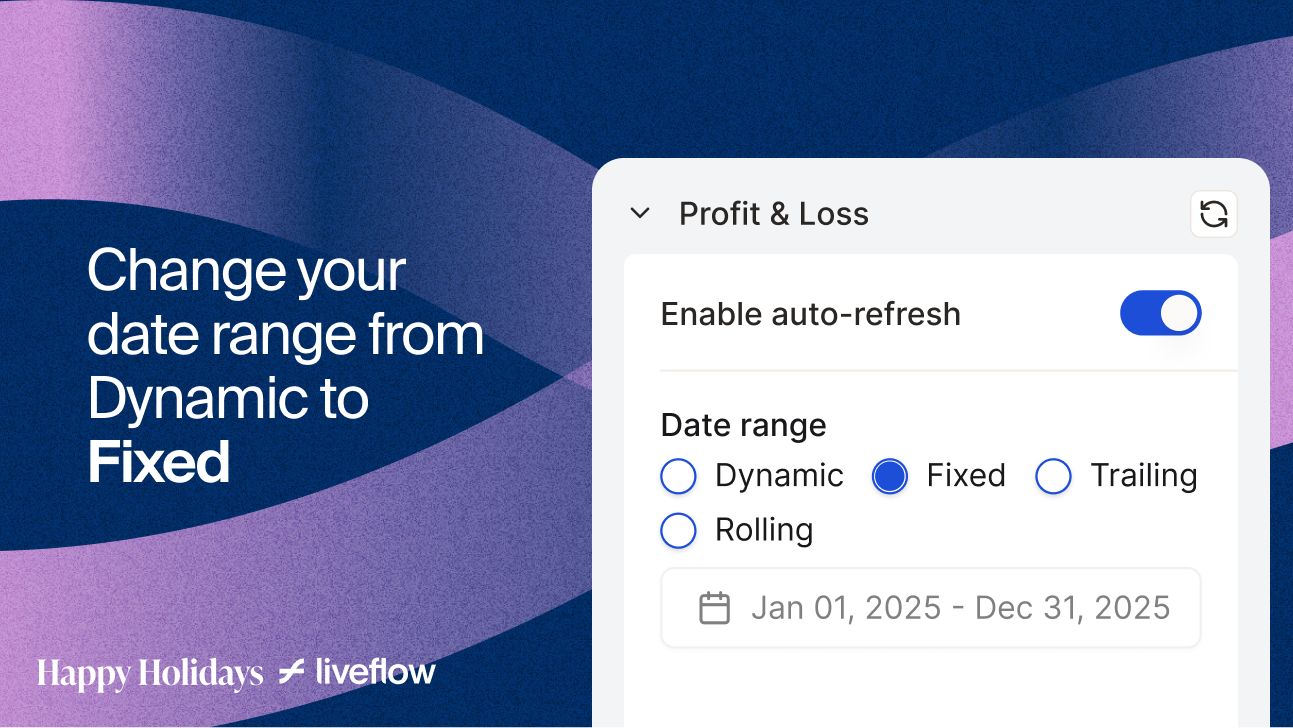
If you prefer your reports to remain on 2025 data, please update the date range in your LiveFlow report settings to a fixed 2025 date range.
Here’s how to do it:
Open LiveFlow in Google Sheets or Excel and go to Manage Reports.
Select your desired report and locate the Date Range control.
Adjust the date range from a dynamic option (e.g., “This Year”) to a fixed date range for 2025 (Jan 01, 2025 - Dec 31, 2025).
Click on Update Report.