How to format your numbers with LiveFlow
Last updated: February 9, 2026
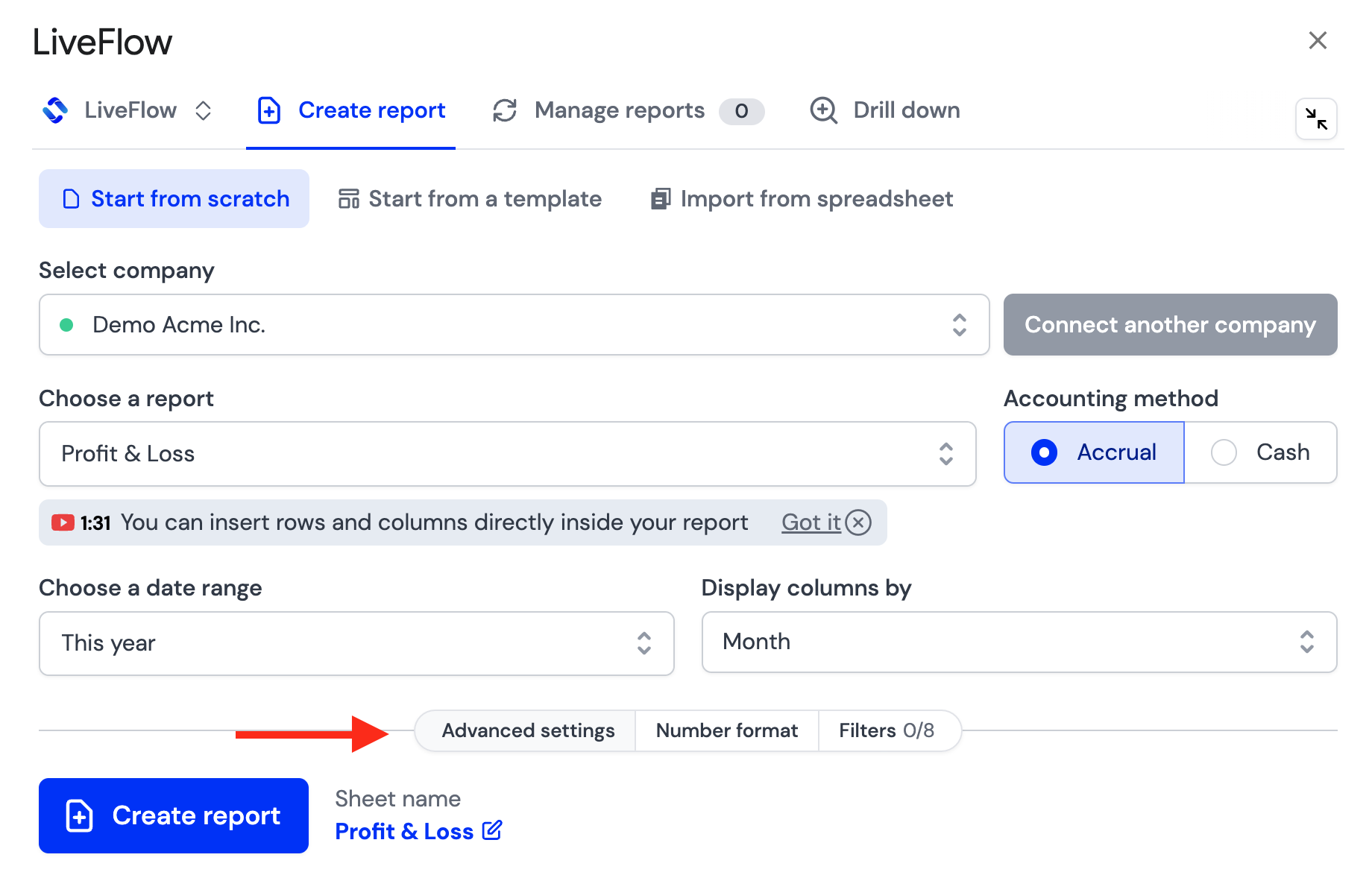
Here are the steps to change the way your numbers are formatted in your LiveFlow reports through LiveFlow Advanced Settings:
Click On the Number Format tab adjacent to Advanced Settings
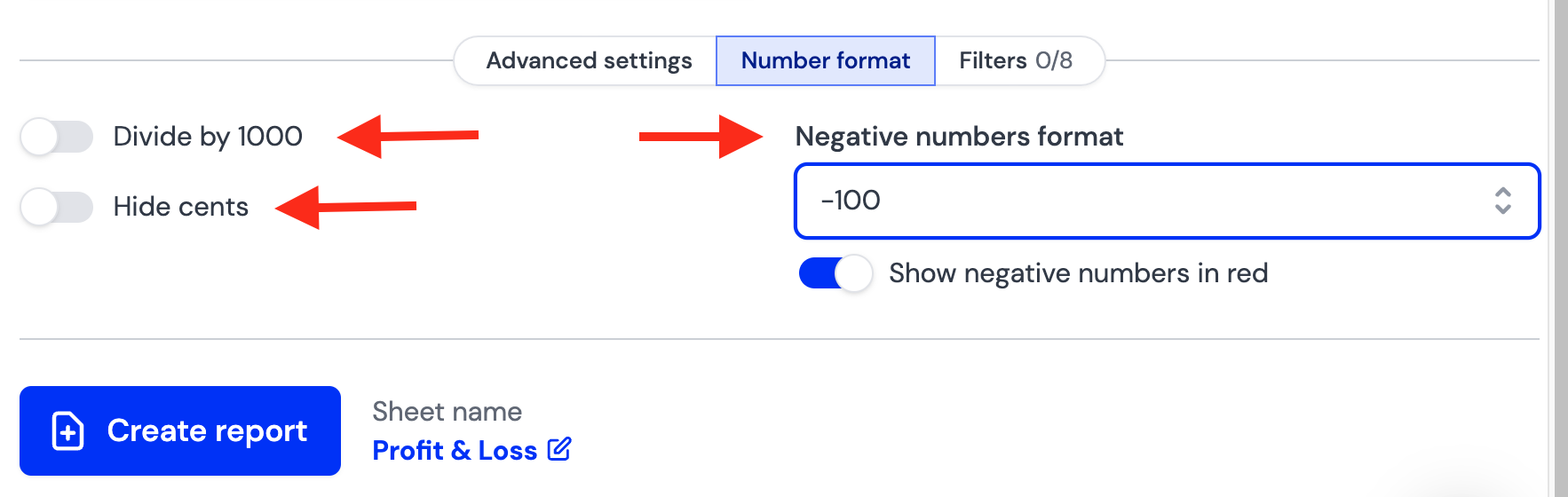
Here you'll be able to adjust the following number formats:
Divide by 1000
Hide Cents
Negative Numbers Format
Show Negative Numbers in Red