How do I change the order of my sub-accounts?
Last updated: February 9, 2026
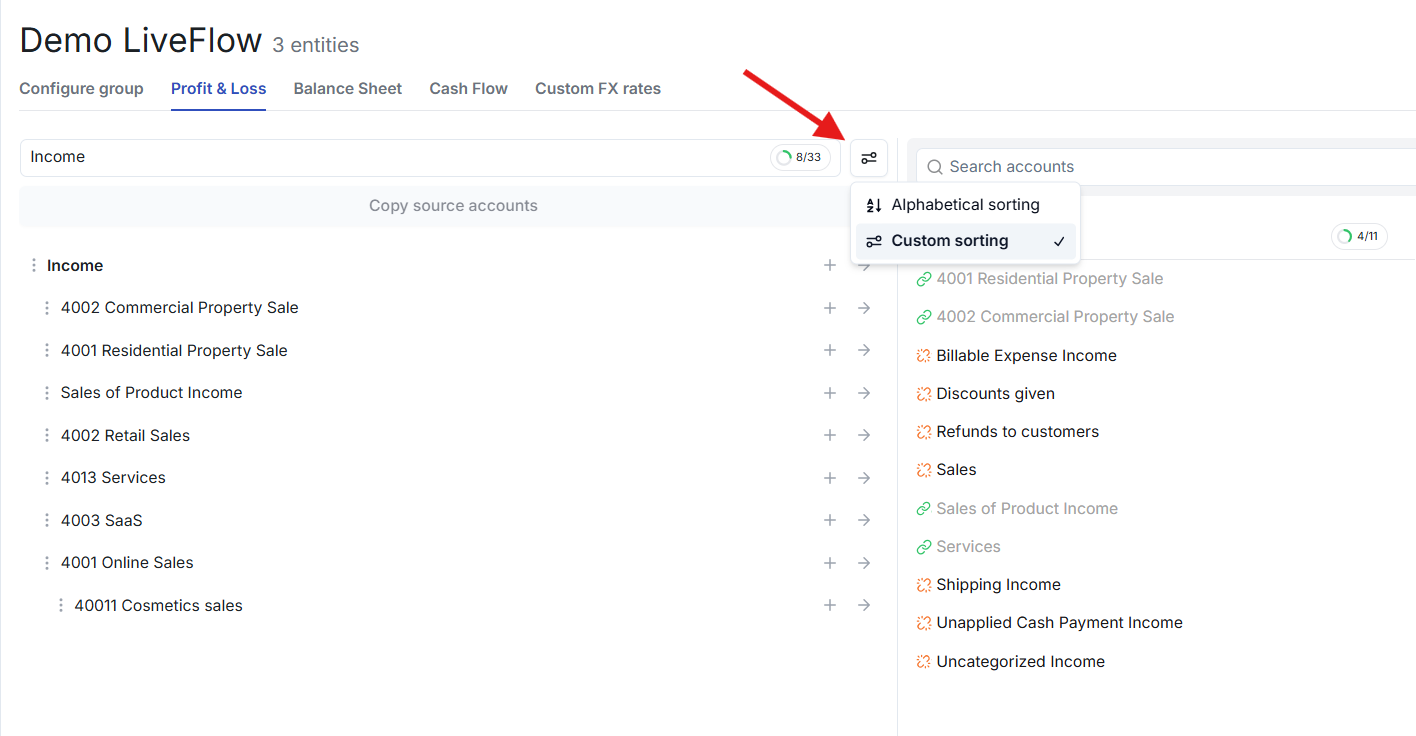
You can sort your sub-accounts alphabetically or in a custom sorting order.
To sort your sub-accounts:
Click on the Sorting drop-down and select Alphabetical or Custom.
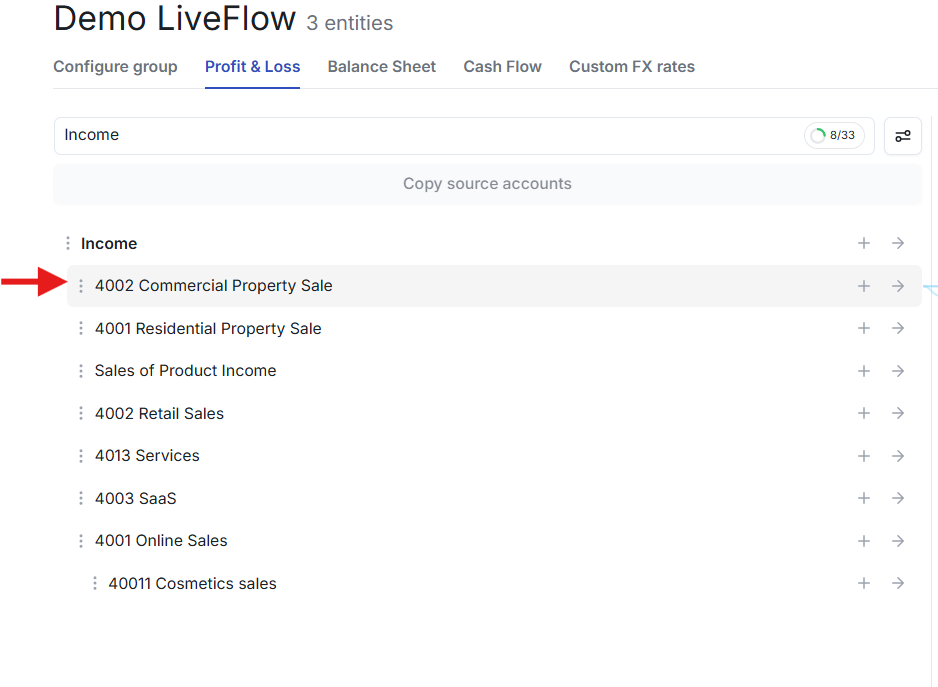
If you select Custom, you can click and then drag-and-drop the order of your sub-accounts.
Additionally, you can drag you sub-accounts under another sub-account to create sub-totals within your mapping!