How do I filter by unspecified class in a LiveFlow P&L Report?
Last updated: February 9, 2026
LiveFlow is currently working on a solution to be able to filter by unspecified class. Here is a workaround that will work for you if you have a distinct time period where you know all classes were unspecified.
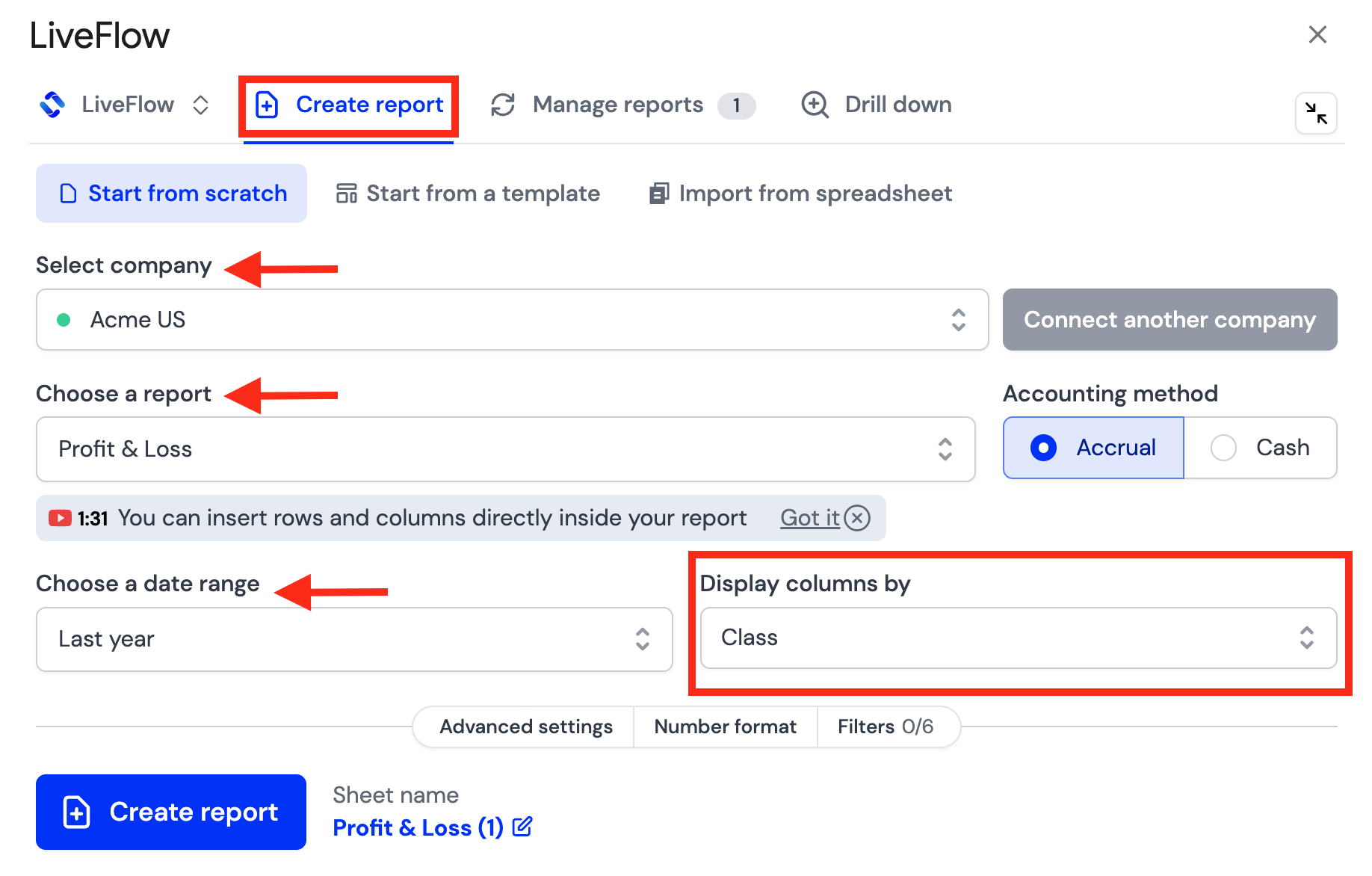
Open the LiveFlow Extension
Click Create report
Select your company
Choose Profit & Loss under Choose a report
Select Class under Display columns by
Select the Date Range you know that historically the company did not have classes