What happens to my LiveFlow report when I add or remove an account in QuickBooks?
Last updated: February 9, 2026
When you add or remove an account in QuickBooks, it will update upon refresh in LiveFlow in real-time!
To see the change:
Add an account in QuickBooks
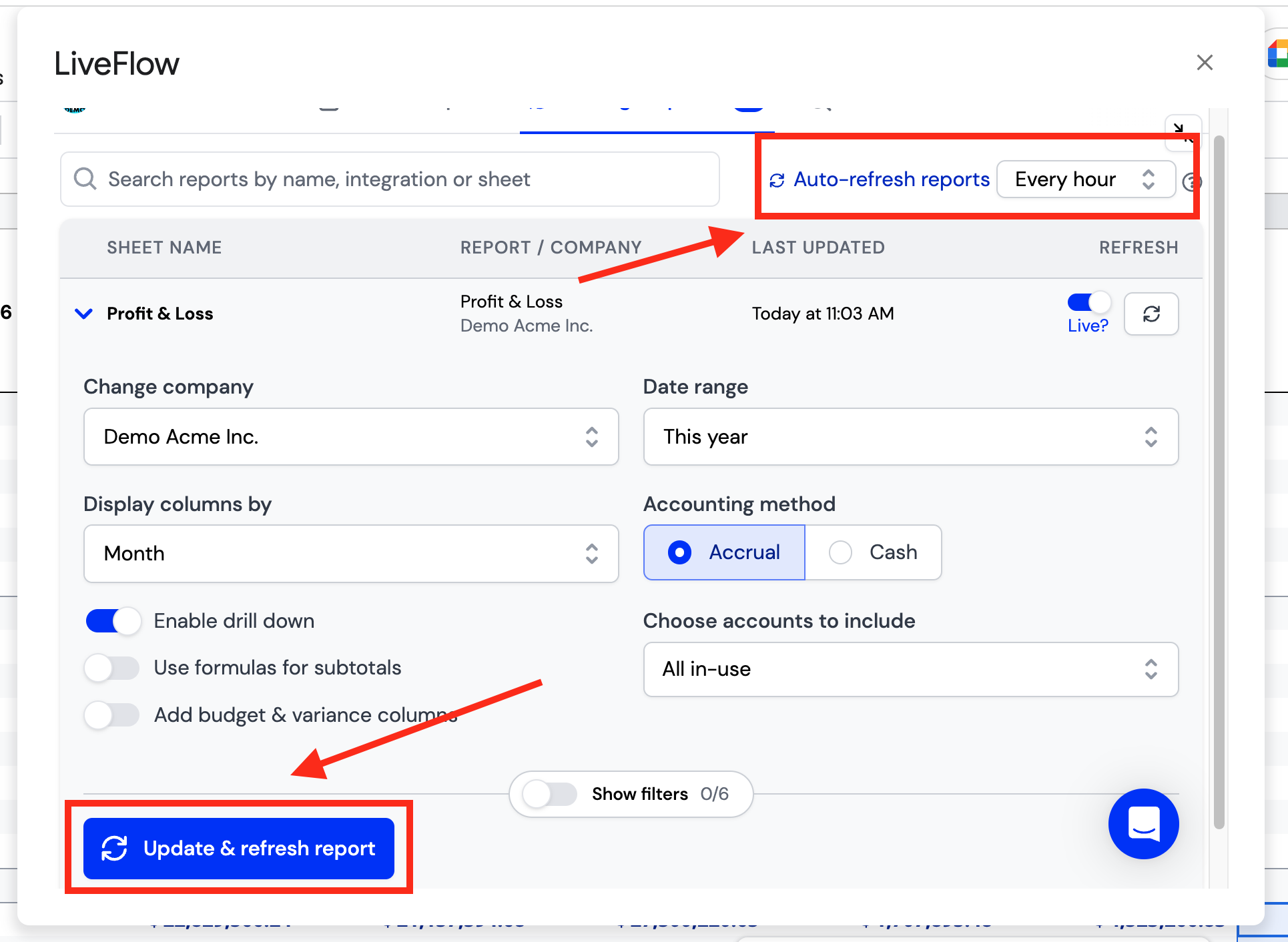
Click Update and refresh report in the bottom left of the LiveFlow extension
Alternatively, you will see the changes reflected after your auto-refresh is completed