How to filter a range of Values in Google Sheets
Last updated: February 9, 2026
To filter a range of Values in Google Sheets:
Determine the Destination for the Filtered List of Values in Google Sheets
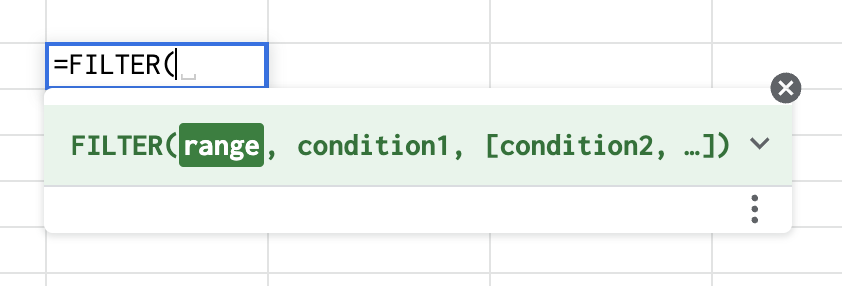
Type the formula =FILTER
Select your range (this is the list from which you want to filter)
Include as many conditions as you'd like for the ability to filter through multiple lists
For example, to remove the values equalling "TOTAL" when filtering from a list, type the formula:
=FILTER(A2:A50,A2:A50>"TOTAL")