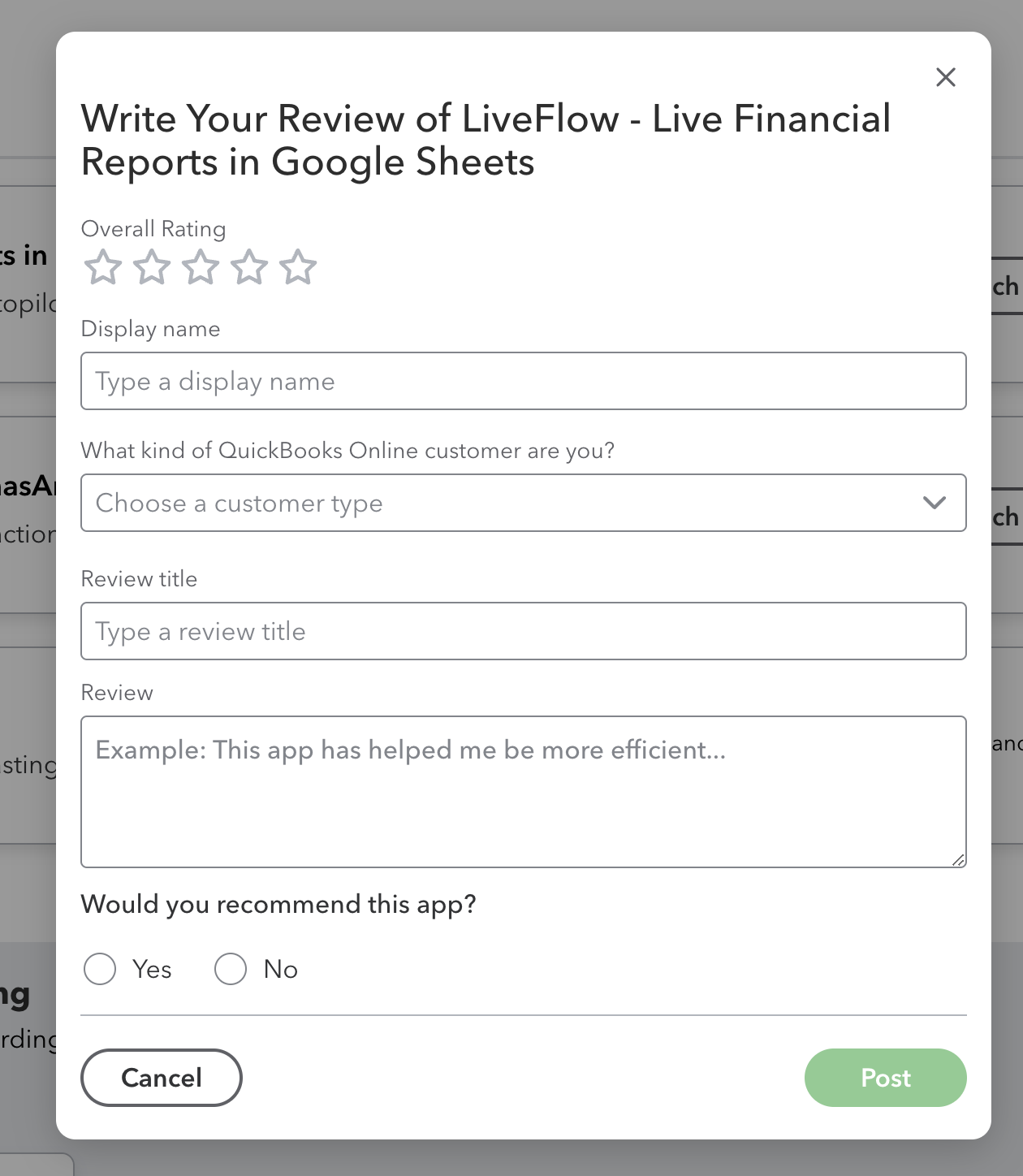
How to leave a review of LiveFlow in the QuickBooks App Store?
Last updated: February 9, 2026
Log into QuickBooks Online
Navigate to Apps on the left Nav Panel
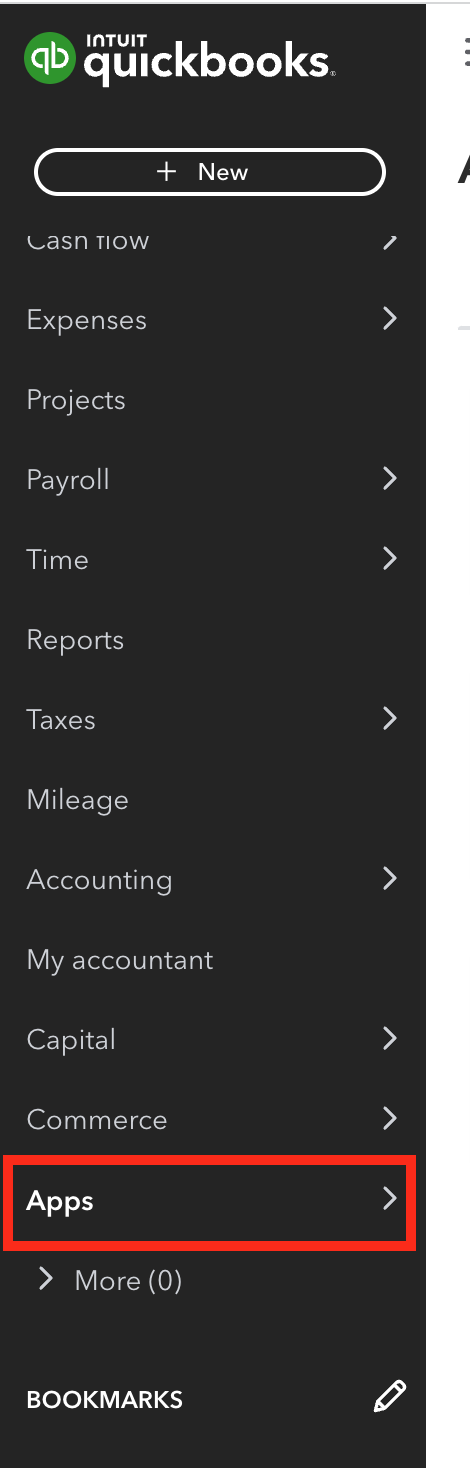
Click into My Apps

Find LiveFlow and click Leave a Review
Fill out the information and click Post