How to Copy your Account List to a new Sheet
Last updated: February 9, 2026
Steps to Copy your Account List to a new sheet:
Start in the Live Report you've created in Google Sheets
Select your Destination, i.e. a new sheet
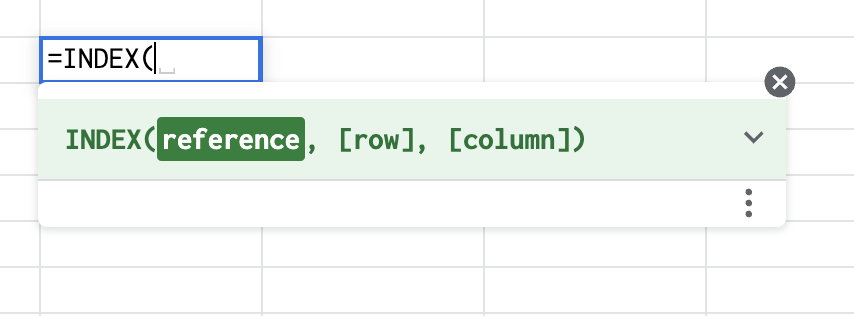
Enter the Formula > =INDEX
Select your entire account list as your Reference
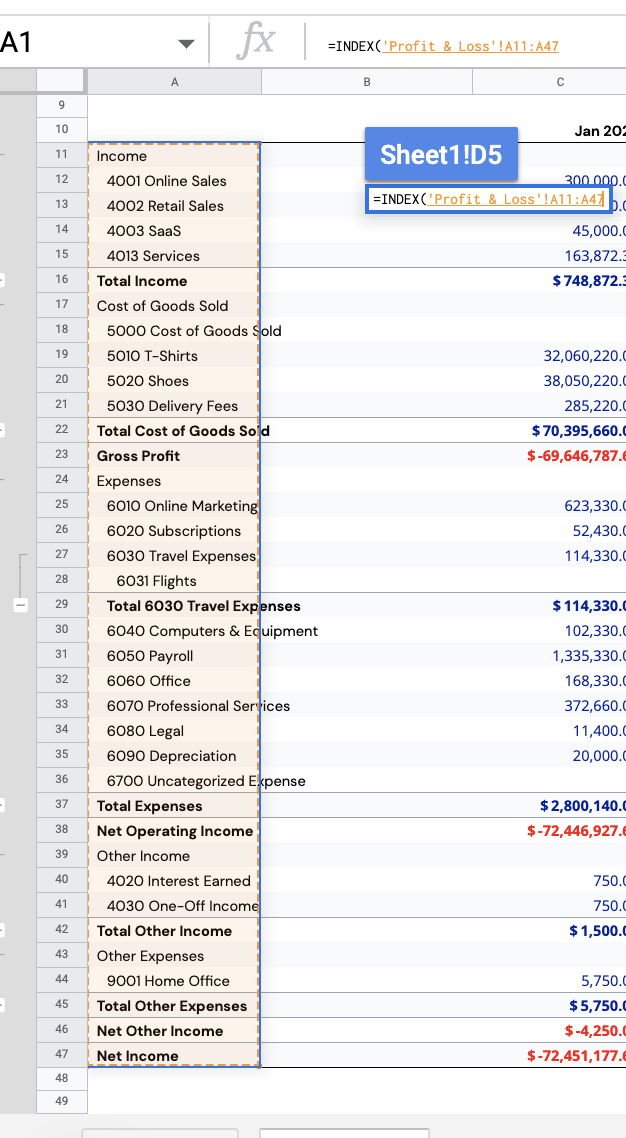
Click Enter (there is no need to input a row or column for this purpose