How to Edit Dashboard Fonts
Last updated: February 9, 2026
To edit Dashboard fonts:
Highlight the Text: Select the sentence or text you want to modify.
Change Font Size:
Click on the four-line icon located on the far left of the ribbon
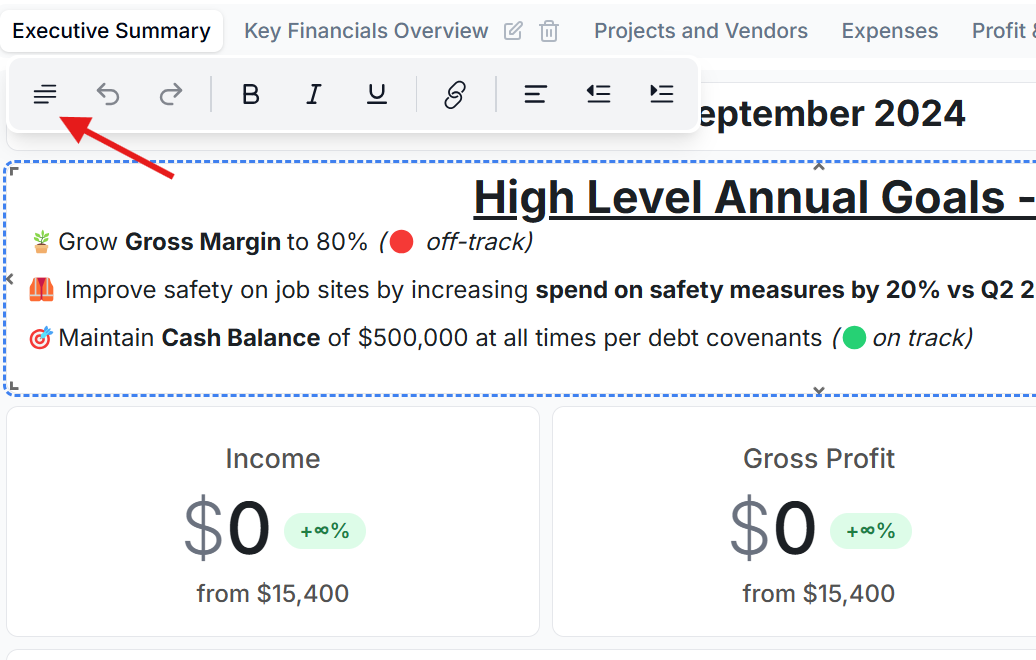
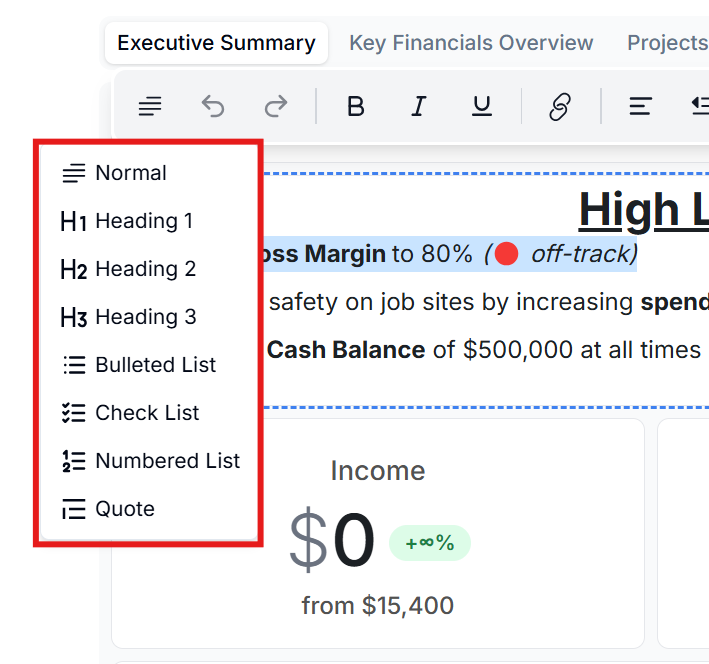
Choose from the available options: Normal, Heading 1, Heading 2, or Heading 3 to set the desired font size.
Style Your Text:
Use the Bold, Italic, or Underline options to enhance your text.
Align Your Text:
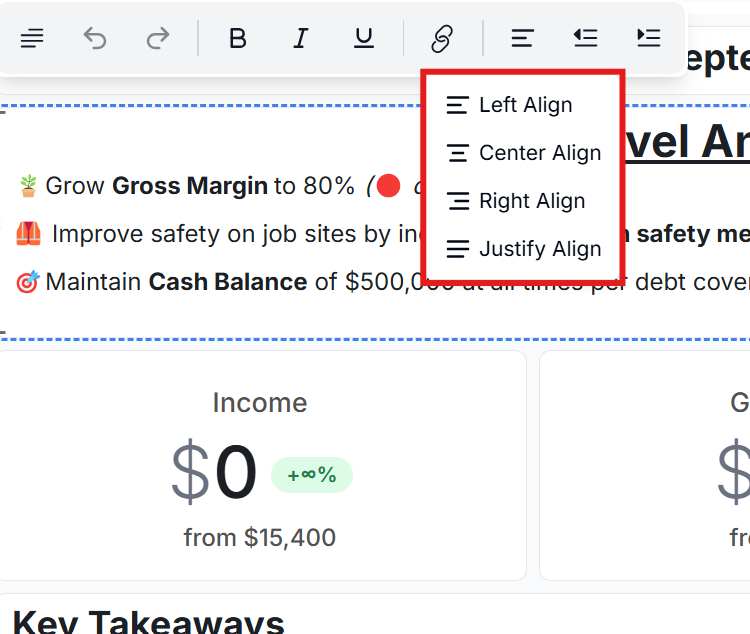
Adjust text alignment by selecting Left, Center, Right, or Justify alignment options.