How to Manage Integrations in LiveFlow
Last updated: October 30, 2026
How to manage integrations in LiveFlow:
You can connect and manage your accounting integrations from the LiveFlow web app.
Connecting a QuickBooks Online company
Go to the LiveFlow web app
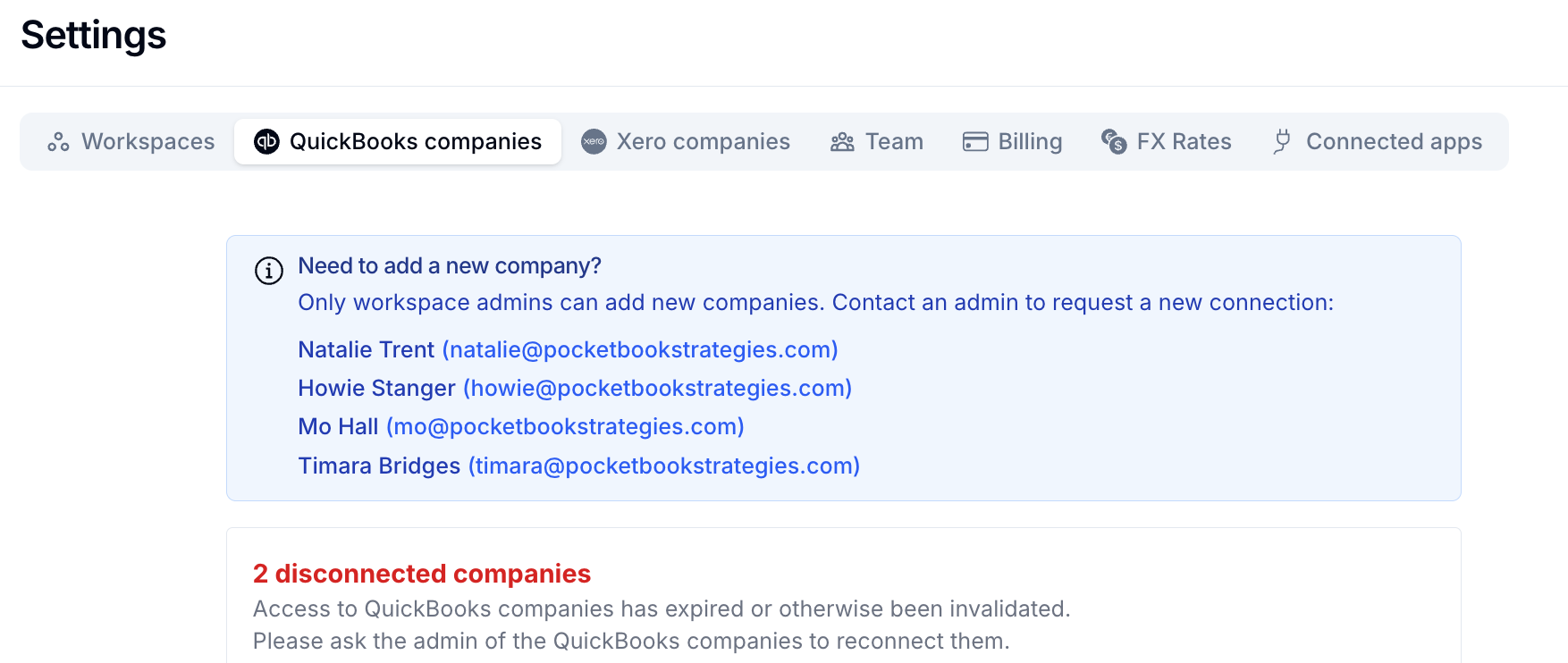
Click Settings (bottom left), then open the QuickBooks companies tab
Click to connect a new company. You’ll be directed to sign in to Intuit, where you can select the QuickBooks company you want to connect to LiveFlow.

Connecting a Xero organization
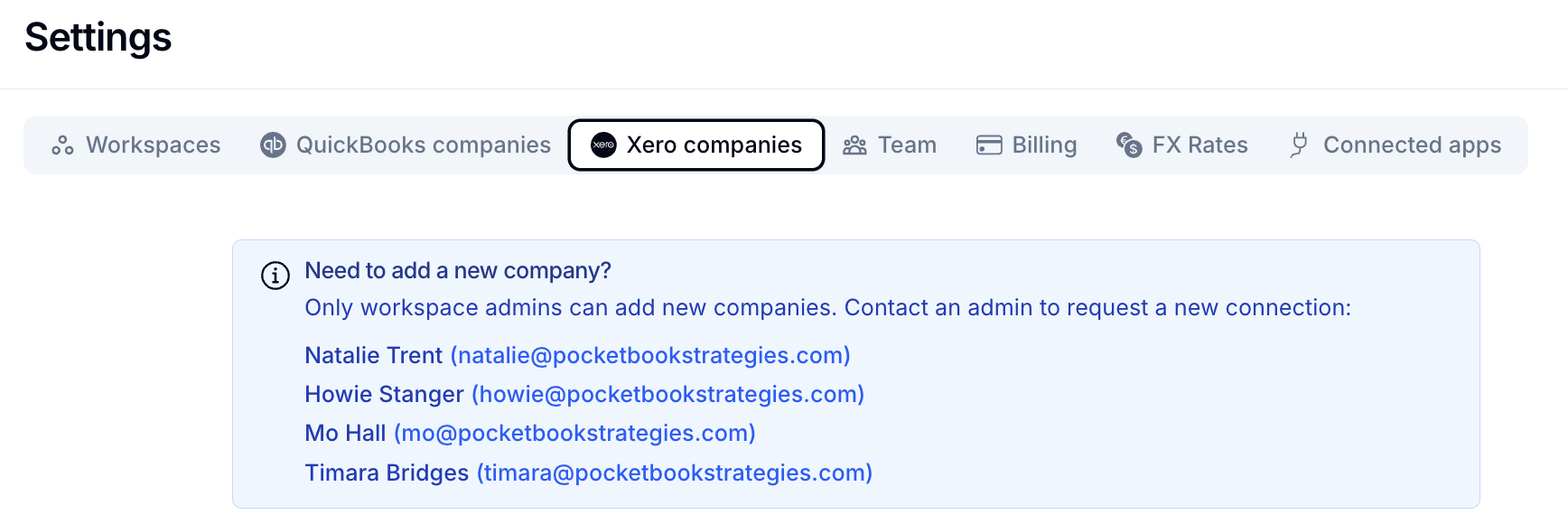
Go to Settings → Xero companies tab
Click to connect a new organization, sign in to Xero, and select the organization you want to connect