How to copy a Google Sheet into an existing Google Sheet
Last updated: February 9, 2026
Open the Google Sheet that has the tab you want to copy into the another sheet
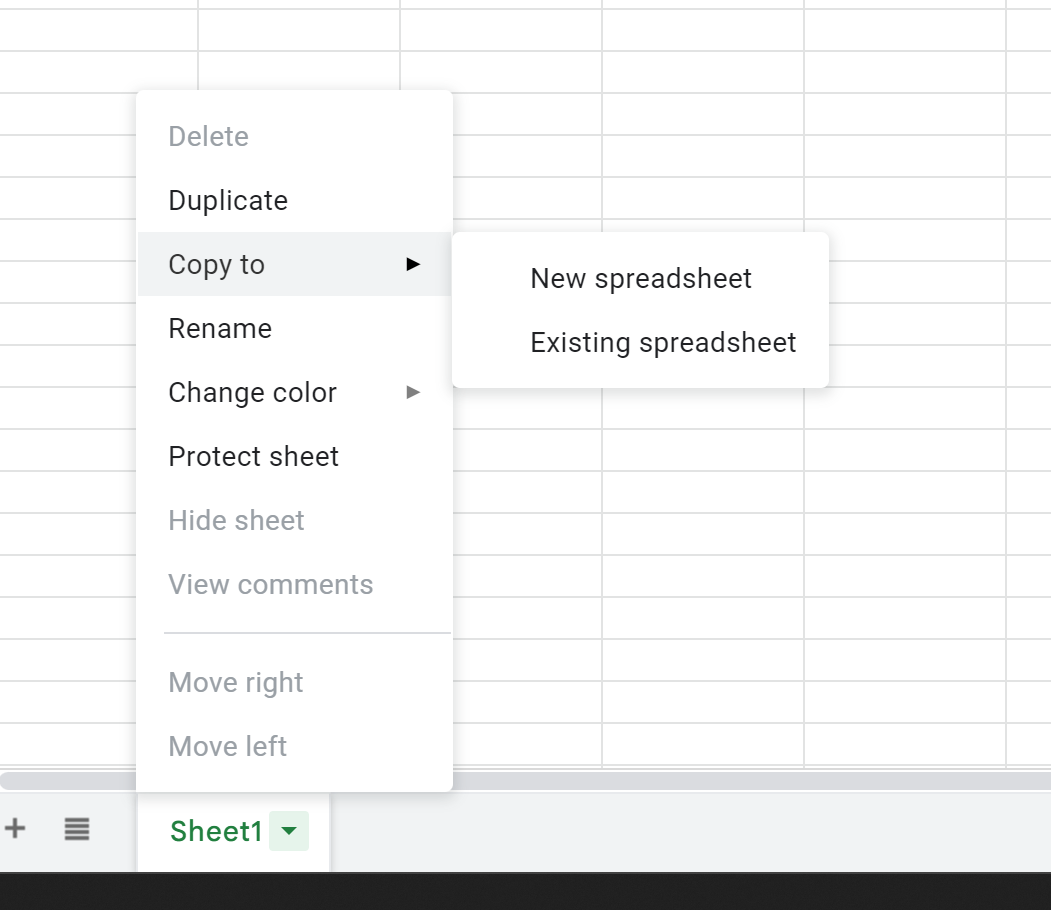
Right click the tab you want to copy
Choose Copy to > Existing Spreadsheet
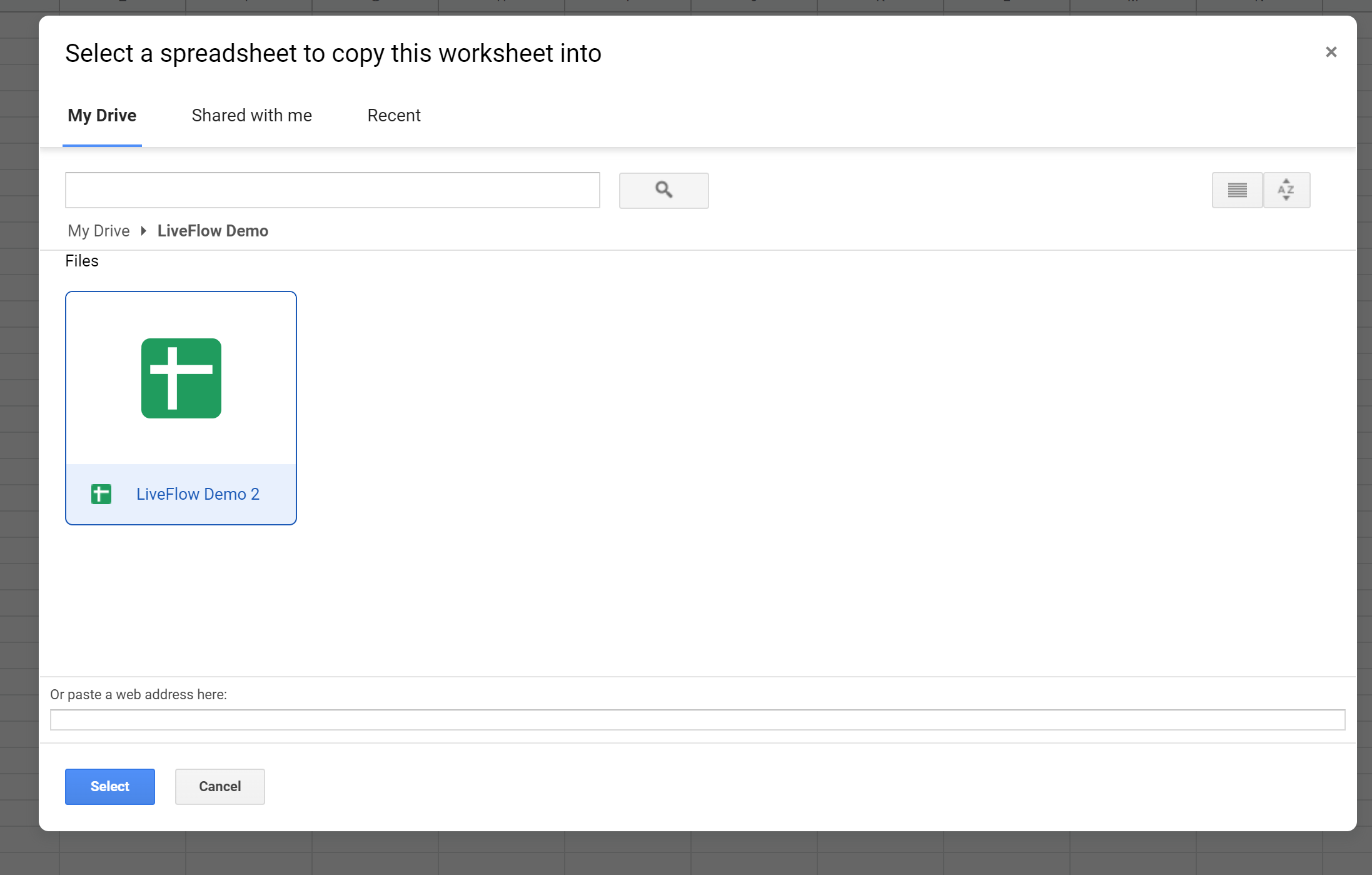
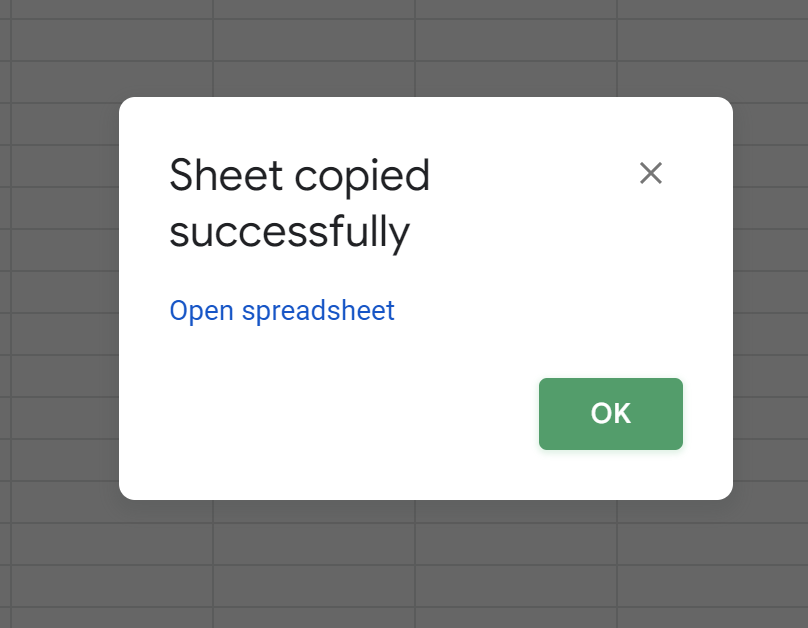
Select another google sheet file from the respective folder or Paste the URL into the bottom of the window that appears and then select
Rename the tab in the another Google Sheet where it was copied if required.